
Noticia
Chrome brings Google Wallet autofill to Android and iPhone
Google is extending Chrome’s advanced autofill tools to Android and iOS, allowing users to complete travel and vehicle forms with information stored securely in Google Wallet.
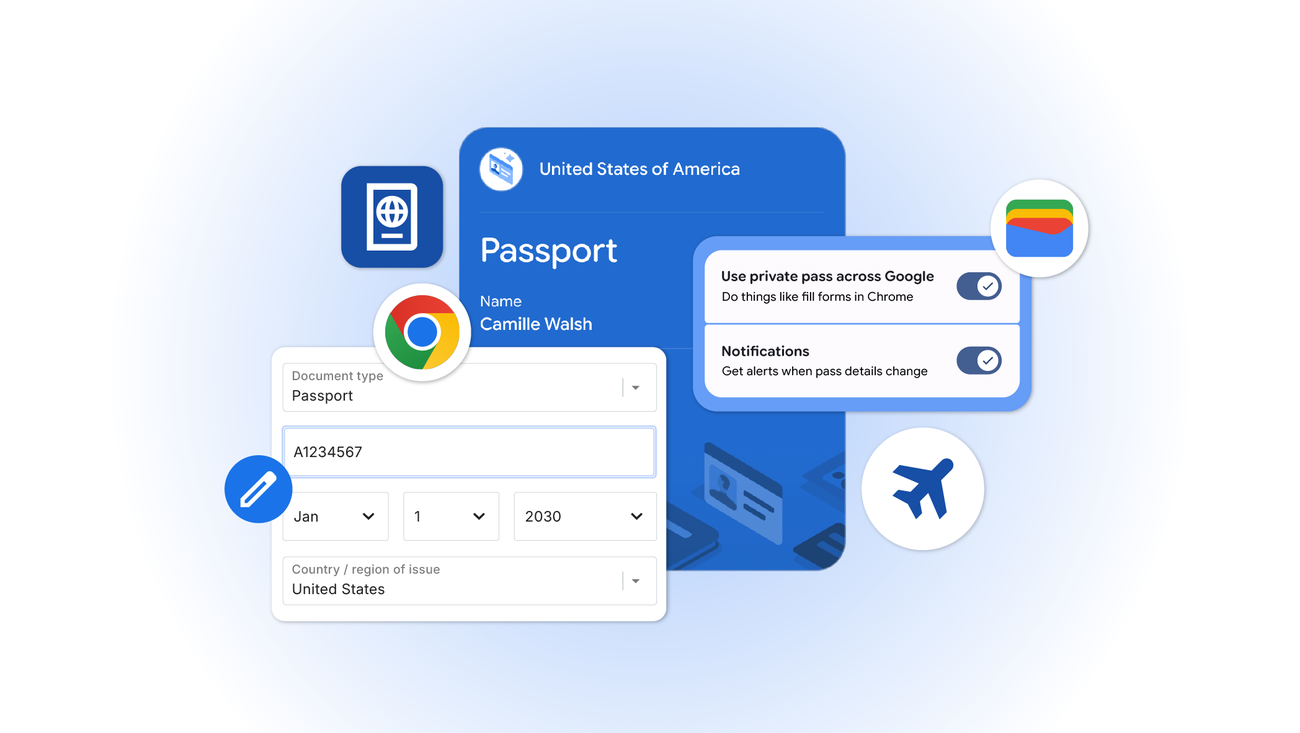
Google is extending Chrome’s advanced autofill capabilities to mobile users, bringing support for more complex information types to Android and iOS. The update, announced on June 23, connects Chrome more closely with Google Wallet so users can complete travel, vehicle and identity-related forms with fewer manual entries.
The change addresses a familiar problem on smartphones: entering long or sensitive details into small web forms. Flight confirmation numbers, vehicle information and identity credentials can be difficult to locate and copy accurately, especially when a user is checking in for a flight, paying for parking or completing a rental-car form.
Google says Chrome can now autofill additional categories of information, including flight details, license plates and vehicle identification numbers. These capabilities had already been introduced in other versions of Chrome, but the company is now extending them to mobile users on both Android and iOS.
Google Wallet becomes a deeper source for Chrome autofill
The most significant part of the announcement is the closer connection between Chrome and Google Wallet. Chrome can use information stored in Wallet to fill forms containing driver’s license details, passport information and a Known Traveler Number. If the requested information is not already saved in Wallet, Google says users can store it there when entering it in Chrome for the first time.
This makes Wallet more than a place for payment cards, boarding passes and tickets. It becomes a central source for selected credentials that users may need when interacting with websites. The practical benefit is straightforward: a traveler can complete a relevant form without switching repeatedly between a browser tab, an email confirmation and a digital document.
However, the feature does not remove the need to check the information before submitting a form. Autofill can reduce typing, but users should still confirm names, dates, document numbers and vehicle details. A mistake copied automatically is still a mistake, and some websites may ask for information in a format that does not match the stored record.
Permission remains part of the process
Google says Chrome will only save or fill this information with the user’s permission. Sensitive data is encrypted, and Google directs users to Google Wallet settings or Chrome’s Autofill and passwords page to manage or update the information. Private passes, including identity credentials, have their own controls.
That permission model matters because passport and driver’s license details are more sensitive than ordinary contact information. Users should avoid approving autofill on unfamiliar websites, particularly pages reached through unsolicited messages or suspicious advertisements. Before confirming a form, check the domain name, verify that the connection is secure and make sure the request is genuinely related to the service being used.
Users should also review which credentials are stored in Wallet and remove records they no longer need. Keeping an old passport, expired license or outdated vehicle record available for autofill can create confusion later. The safest approach is to treat Wallet as a convenience layer that still requires periodic housekeeping.
What the update means for mobile browsing
Chrome’s mobile autofill update is less visible than a redesigned interface, but it could have a more immediate effect on everyday tasks. Forms are common points of friction on phones, particularly when they involve information that is difficult to type accurately. Bringing complex autofill to iOS and Android narrows the gap between desktop and mobile browsing.
It also shows how browsers and digital wallets are increasingly merging. Instead of keeping payment information, travel credentials and identity documents in separate apps, users are being encouraged to access them through a shared browser-and-wallet workflow. That can make a phone more useful while travelling, but it also increases the importance of clear permissions and strong device security.
Google has not presented the update as a replacement for checking documents manually. The announcement is focused on reducing repetitive entry and making selected information available at the right moment. Users remain responsible for reviewing the completed form and deciding whether to submit it.
For Android and iPhone owners who already use Chrome and Google Wallet, the update should make supported travel and vehicle forms quicker to complete. The main habit worth adopting is simple: allow autofill only when the website is trusted, review every populated field and keep stored credentials current.
Source: Google Blog