
Noticia
Google’s July AI push connects Android, Gemini and Search
Google’s latest AI recap points to a more connected mobile strategy, with Android 17 handling more of the move from iPhone while Gemini, Search and NotebookLM share more context across apps.
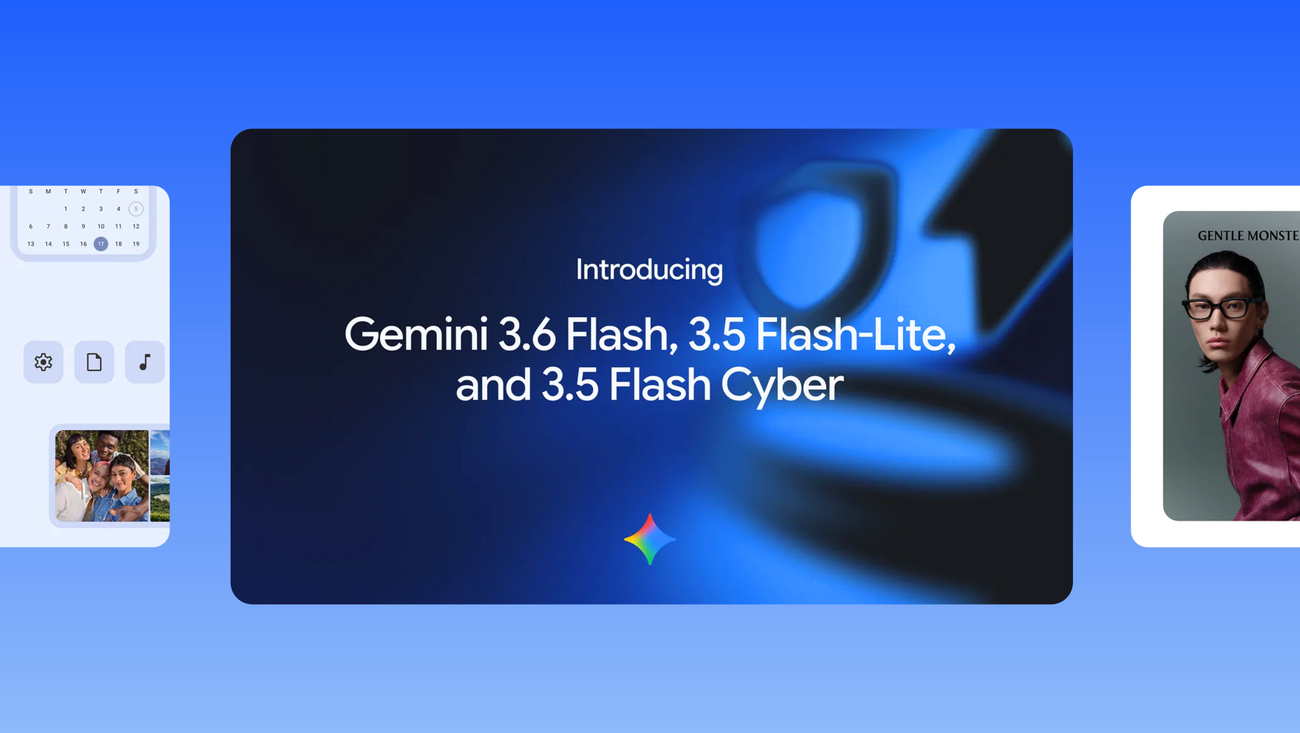
Google’s official recap of its July 2026 AI announcements, published on August 4, sketches a mobile strategy that is easier to miss when each feature is announced separately. The company is linking Android’s setup flow, the Gemini app, research tools and Search more tightly, while also moving some assistant work closer to the apps and accounts people already use.
The recap is not a single Android release. It is a summary of several announcements made during July. That makes the most useful reading less about one headline feature and more about the direction Google is setting: a phone should increasingly understand what a user is trying to do across devices and services, while still asking for permission when an action touches an account.
A more capable move to Android
One of the clearest changes is in the handoff from iPhone to Android. Google says it introduced a native migration experience built directly into Android 17 that can transfer more types of data wirelessly from an iPhone, without requiring a separate app. The company presents the change alongside the launch of Samsung’s latest Z-series foldables, but the important part for switchers is the operating-system integration: the transfer step is becoming part of Android’s own setup experience.
That distinction matters because migration is often the least visible barrier in a platform switch. A new phone can be attractive on its hardware, but the practical cost of moving contacts, photos and other personal information can make the decision feel risky. Google’s wording does not promise that every item on every iPhone will move automatically, and it does not publish a universal compatibility list in this recap. The defensible takeaway is narrower: Android 17 is designed to handle more of the wireless transfer natively, so users should check the on-screen transfer list during setup rather than assume that all data will be copied.
Gemini moves closer to the app layer
The same recap places Gemini Intelligence on the latest devices shown at Galaxy Unpacked 2026, including the Galaxy Z Fold8 Ultra, Galaxy Z Fold8 and Galaxy Z Flip8. Google describes these devices as the starting point for the first capabilities of Gemini Intelligence. It is a significant positioning choice: the assistant is being presented not only as a destination for questions, but as a layer that can sit across the phone’s daily tasks.
Google also renamed NotebookLM as Gemini Notebook. The company says it remains the same standalone product, but now works across more of the Google ecosystem, including the Gemini app and Google Search, and has been updated with a secure cloud computer. For mobile users, that suggests a research workflow that can begin with notes or source material and continue across Google’s AI surfaces instead of staying locked inside one dedicated product. It does not mean every Gemini user gets every capability immediately; Google continues to mark feature availability as dependent on factors such as country, language, account and age.
Search becomes a connected surface
Another July update brings connected apps into AI Mode in Search. Google says users can securely link and interact with services such as YouTube Music directly from AI Mode, while Personal Intelligence can use connected apps to make responses more tailored. The company frames this as an opt-in experience: users choose whether and when to connect services such as Gmail and Google Photos.
That permission model is more important than the novelty of asking Search about a favorite playlist. Once a search surface can draw on personal data, the useful question is no longer only whether the answer is convenient. It is also which account was connected, what information the feature can access and whether the user can disconnect it later. Google’s announcement emphasizes choice and control, but users should still read the connection prompt and review account permissions before enabling a new integration.
Gemini Spark adds a more consequential assistant mode
Google says it expanded Gemini Spark to more users around the world and added a way to handle complex web errands. With the user’s permission, Spark can use logged-in accounts and saved passwords for tasks such as scheduling apartment viewings, researching flight options and beginning a booking process. These examples show the shift from generating an answer to taking steps on a user’s behalf.
They also explain why the permission language needs to stay prominent. A system that can browse while signed in may encounter prices, availability, personal messages or a checkout screen. Google’s recap does not say that Spark completes every booking automatically, and it does not establish one global list of supported sites. Readers should therefore treat it as an assisted workflow whose actions, limits and availability may vary, not as a universal travel or shopping agent.
What the July recap says about Android’s direction
These updates connect three layers that have traditionally felt separate. Android handles the first-run transition between phones. Gemini Notebook brings research into the wider Google ecosystem. Search and Spark reach into selected apps and accounts to help with tasks that used to require several manual steps. On the developer side, Google also announced Gemini 3.6 Flash, Gemini 3.5 Flash-Lite and Gemini 3.5 Flash Cyber for building AI agents at scale, which helps explain why the company is pushing assistants beyond a single chat window.
The result is a more agent-oriented Android story, but the recap does not remove the usual caveats. Google gives no single worldwide timetable for all of these experiences, and its own page notes that availability varies. Device model, account type, country, language and age can all matter. That is why the most reliable way to judge a feature is to check the relevant Android or Gemini screen on the device, rather than infer availability from a launch announcement.
For now, the most meaningful change is architectural. Google is trying to make Android the place where data moves more easily, Gemini the place where context follows the user, and Search the place where connected services can be queried or used. Whether that feels helpful will depend on the quality of the handoffs — and on how clearly Google explains what each permission allows before an assistant acts.