
Noticia
Samsung Brings Agentic AI to Browser Across Galaxy Phones and Windows PCs
Samsung Browser connects Galaxy phones and Windows PCs while adding page-aware AI tools, with availability and accuracy limits that users should understand.
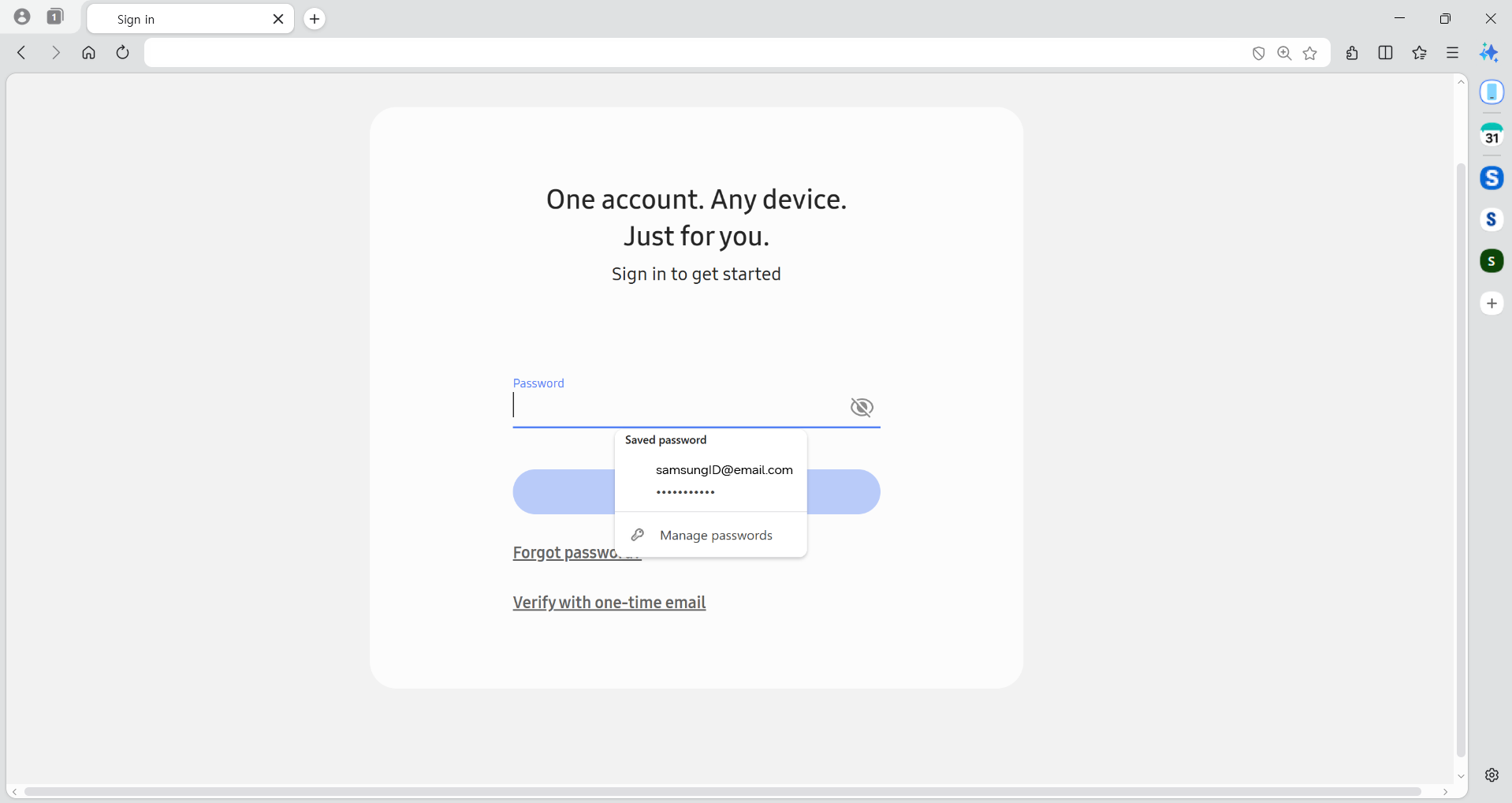
Samsung is turning its mobile browser into a broader cross-device service. In an official announcement published on March 26, 2026, the company introduced Samsung Browser for Windows and outlined new agentic AI features for Samsung Browser on Windows and Android. The move links everyday browsing between Galaxy phones and PCs while giving users tools that can understand webpages, compare tabs and retrieve information from browsing history.
The announcement matters because it treats the browser as more than a place to open websites. Samsung is positioning it as a shared workspace that can follow a user from a smartphone to a computer, then help interpret and organize what is on screen. The practical value will depend on compatible devices, regional availability and how much control users want to give an AI assistant inside their browsing session.
A browser that follows the user
Samsung Browser for Windows is designed to continue the browsing experience started on a Galaxy device. Samsung says users can pick up the most recently visited webpage on another device rather than manually searching for it again. The handoff requires both devices to use the same Samsung Account, with Wi-Fi and Bluetooth enabled and the Continue apps on other devices setting switched on.
The PC side also requires Samsung Continuity Service or the Galaxy Connect app. Samsung currently identifies Galaxy Book 3, Galaxy Book 4, Galaxy Book 5 and Galaxy Book 6 series devices as compatible with this continuity feature, while noting that availability is expected to expand. Samsung Browser for Android is available on Android N or later, although individual features can vary by country, region, language and device.
Samsung Pass is part of the same cross-device story. The company says it can store login credentials and personal information for sign-ins and autofill. That may reduce friction when moving between a phone and a PC, but it also makes account security especially important. Users should enable strong account protection, avoid saving credentials on shared computers and check the destination before allowing autofill on unfamiliar websites.
Agentic AI moves into the tab
The more notable change is an AI-powered assistant built into Samsung Browser in partnership with Perplexity. Samsung says the assistant can understand the context of the webpage being viewed, as well as activity across multiple tabs. It is intended to do more than answer a general question: users can ask it to work with the current browsing session and help with tasks without leaving the browser.
Samsung’s examples include creating a structured four-day itinerary from pages about a trip to Seoul, locating a specific moment in a video and finding an older page by describing what it contained rather than remembering an exact keyword or date. The assistant can also summarize and compare information across several open tabs, which could be useful when researching products, travel options or technical documentation.
These features are presented as assistance rather than independent decision-making. Samsung notes that some webpages may not be accessible or fully analyzed because of site settings or access restrictions. It also warns that availability varies by country, region and language, that the number of queries may be limited and that accuracy is not guaranteed. In other words, a generated summary should remain a starting point, especially when the page involves money, health, legal matters or account security.
Availability is the important qualifier
Samsung says Samsung Browser for Windows will run on Windows 11 and Windows 10 version 1809 or later. The agentic AI features on Windows and Android are currently supported in South Korea and the United States in the global newsroom announcement. On Android, the AI functions require a network connection and Samsung Account login, and Samsung lists Samsung Browser version 29.0.4 or later for the service.
That rollout language is narrower than the headline suggests. Installing the browser does not automatically mean every AI function will appear for every user. Market, language, account and device eligibility all matter, and Samsung’s own notes leave room for feature changes. Users should therefore check the current availability shown in Samsung Browser rather than assuming that a feature demonstrated in an announcement is already active on their phone.
The broader direction is clear: Samsung wants the browser to become a bridge between mobile and desktop computing, with AI handling more of the work involved in reading, comparing and organizing online information. For Galaxy owners who already use Samsung Account, Samsung Pass and a compatible Galaxy Book, the announcement points to a more continuous workflow. For everyone else, the main takeaway is more measured: the experience is promising, but its usefulness will depend on access, privacy choices and the reliability of the answers it produces.
Samsung’s full launch details and regional limitations are available in the official Samsung Newsroom announcement.