
Actualité
Google outlines a sharper toolkit for premium Android apps across phones, watches and cars
Google is bringing performance analysis, adaptive widgets and a more complete media stack together to help Android developers ship apps that feel consistent across phones, foldables, watches and cars.
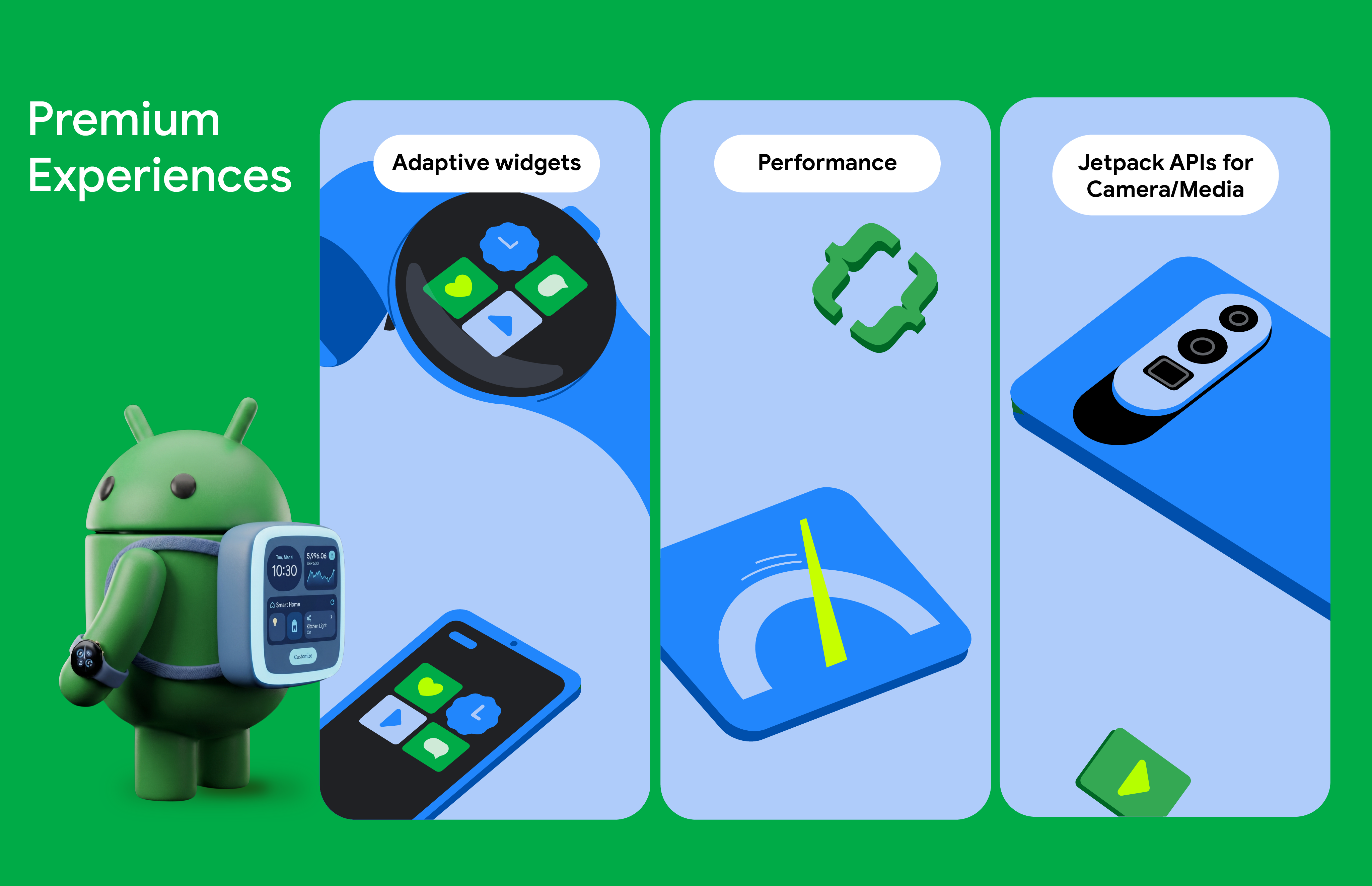
Google is grouping a set of Android development tools around a clear goal: making apps faster, more adaptive and more consistent across the growing range of screens that users move between. The company’s developer update covers performance optimization, glanceable widgets and media creation, with phones, foldables, watches and cars all part of the same app experience.
In its Android Developers Blog update, Google presents the changes as a practical toolkit rather than a single platform feature. The common thread is that developers should be able to improve an app’s core performance once, then extend that experience across more device categories without rebuilding every interaction from scratch.
R8 analysis moves performance work closer to the developer
The first major piece is the R8 Configuration Analyzer in Android Studio. R8 removes unused code and resources, obfuscates applications and helps reduce the size of production builds, but broad keep rules can prevent the compiler from applying those optimizations effectively.
Google says the new analyzer adds optimization, obfuscation and shrinking scores to show where a project is losing potential performance. That gives teams a more direct way to identify rules that are keeping unnecessary code in the application, instead of relying only on build size or runtime symptoms after release.
The change matters more as Android introduces device RAM-based memory limits. Google says Android 17 is designed to target extreme memory leaks and outliers before they create wider system instability. For developers, the practical implication is that an app’s memory footprint is becoming a more visible part of compatibility work, especially on devices with different amounts of available RAM.
Google also cites results from Monzo, which reported a 30 percent improvement in cold starts and a 35 percent reduction in application-not-responding events after optimizing its R8 configuration. Those figures describe one developer’s experience, not a universal guarantee, but they show why configuration analysis can be more useful than treating shrinking as a final build step.
One widget approach for phones, watches and cars
The second theme is reducing the distance between a full app and the smaller moments in which people actually use it. Jetpack Glance gives developers a Compose-based approach for presenting app content on a phone’s home screen, Wear Widgets and car surfaces. The aim is to make useful information available without requiring users to open the full application.
Google describes a single journey that could include checking flight status from a car dashboard, seeing a gate change on a watch and managing a boarding pass through a phone widget. These are not identical interfaces, but they can be built around the same underlying content and interaction model.
RemoteCompose extends that approach on resource-constrained surfaces. On Wear OS, it lets developers define interface logic with familiar Compose tools while rendering the result remotely. Google says the framework is also being used to give widgets on mobile and in cars more expressive capabilities.
The benefit is less about adding another place for an app icon and more about designing for continuity. A travel app, for example, can surface the next useful detail at the right moment instead of forcing the user to navigate through several screens. Developers still need to adapt layout, input and privacy decisions to each device, but the shared toolkit can reduce duplicated implementation work.
CameraX and Media3 cover more of the media pipeline
Google is also expanding the tools available for apps that capture, edit and play back media. The CameraXViewfinder Composable is intended to keep camera previews correctly scaled across form factors, including foldables and tablets. Google highlights use cases such as picture-in-picture capture, high-frame-rate recording and slow-motion video with CameraX 1.5.
On the editing side, the Media3 AI Effects library is designed to provide a common interface for features such as Image and Video Enhance, Magic Eraser and Studio Sound. Media3 Transformer can then combine multiple assets into a finished composition, giving developers a more unified route from capture to export.
The rest of the pipeline is covered by several supporting components. CodecDB provides encoding recommendations based on specific chipsets, while ExoPlayer’s Scrubbing Mode is intended to make seeking through video smoother. The new CastPlayer API adds another path for playback on supported casting experiences.
Taken together, the announcement points to a broader shift in Android app development. Quality is no longer just a question of whether an app works on a phone. It also includes how quickly it starts, how gracefully it behaves when moved to a larger or smaller screen, how much information it can expose at a glance and how reliably it handles demanding media tasks.
For developers, the immediate opportunity is to audit the fundamentals: inspect R8 rules, identify the most valuable widget moments and test camera or playback flows across representative devices. Google’s update does not remove the need for device-specific design, but it gives teams a more coherent set of building blocks for delivering the same app identity across the Android ecosystem.