
Actualité
Google adds selfie video as a new Google Account recovery option
Google is rolling out selfie video as an additional way for eligible personal accounts to recover access, with guided head movements, liveness checks and controls for storage and deletion.
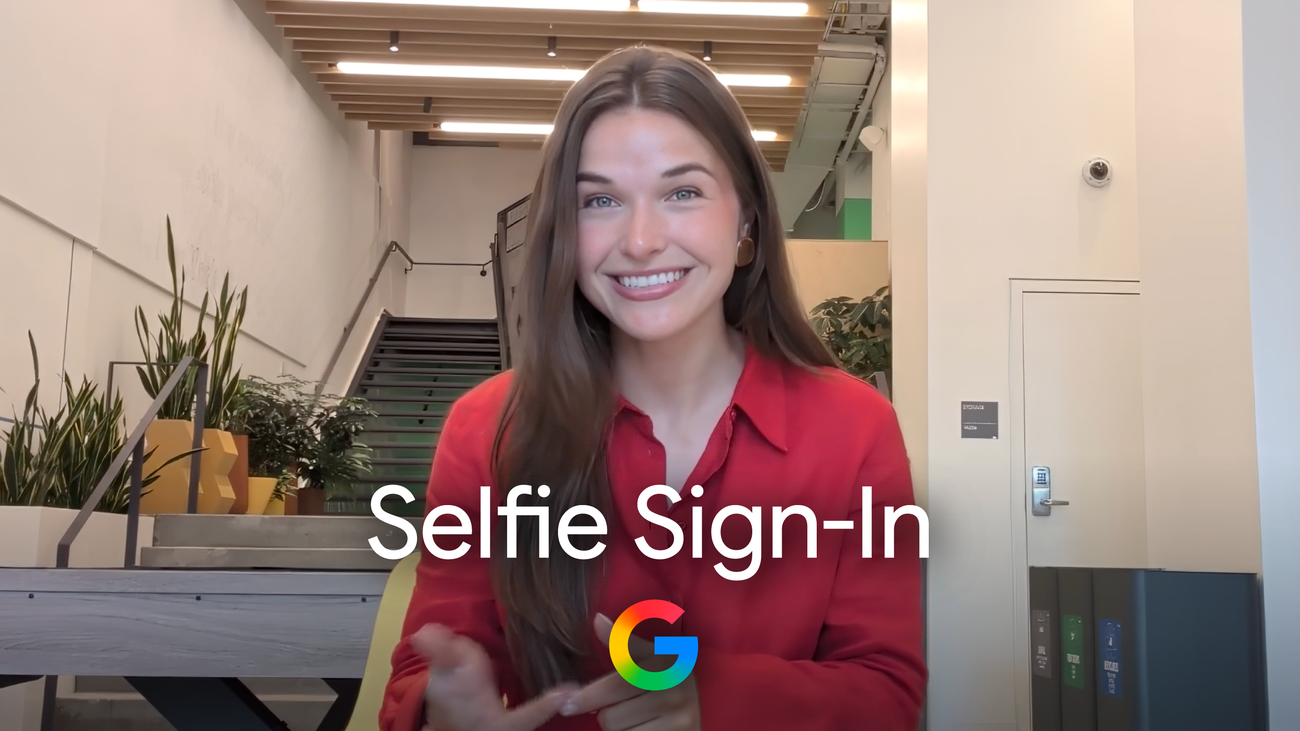
Google adds a selfie video to the account-recovery toolbox
Google is adding a new way to get back into a personal Google Account: a short selfie video that can act as an extra sign-in option when someone is locked out or cannot reach their usual phone or computer. The announcement is aimed at account recovery, not at replacing a phone’s screen lock, a passkey or a password manager. Google presents it as another layer in a broader set of recovery choices.
The idea is straightforward. During setup, the user looks into a device camera and follows a few guided head movements. Those movements capture multiple angles rather than a single still portrait. If access is needed later, the user records another video and Google compares it with the saved one to help confirm that the person trying to sign in is the account holder. The extra motion also gives the service a way to check that it is seeing a live recording, rather than only a photograph.
Google says its checks are designed to make impersonation attempts, including fake photos and videos, harder. That is an important distinction: the company describes several security layers, but it does not promise that a selfie video makes an account impossible to attack. The feature should therefore be treated as a recovery credential that works alongside stronger, independent options.
How the new option works on a phone
To see whether it is available, open the Google Account settings, choose Security & sign-in, and look under How you sign in to Google for Selfie video. Google’s official help page says the account owner must add the video before a lockout occurs. It cannot be created from inside the recovery process, so waiting until access has already been lost defeats the purpose of the feature.
The setup requires a camera-equipped phone, tablet or computer. If the computer has no camera, Google says it can display a QR code so the verification can be completed on another device. The device must be connected to Wi‑Fi or cellular service, and the browser or operating system must be allowed to use the camera.
Google’s practical guidance is deliberately simple: keep the eyes, nose and mouth visible, remove sunglasses, masks and hats, and avoid other faces or face images in the background. These steps matter because the comparison is based on the face and the movement captured during the recording. Good lighting and a stable connection should also reduce avoidable interruptions, although Google does not publish a promise about a particular camera quality or network speed.
Privacy choices matter more than convenience
A face video is sensitive account data, so the storage controls are central to the announcement. Google says the video is recorded and stored with the user’s consent, encrypted at rest and available for deletion from the Google Account. The company also says it is used to help with sign-in unless the user separately opts to share it for additional purposes.
Deletion has a direct consequence: the saved video can no longer be used for account recovery. The help documentation adds a detail that is easy to miss: Google may retain a deleted video for a period of time as a security measure, and may keep it longer in some policy-enforcement situations. That does not make deletion pointless, but it does mean that users should read the controls before enabling the feature rather than assuming removal is instantaneous.
Availability is also narrower than the headline may suggest. Google’s support documentation says selfie video is not available for every region, account or device. Workspace accounts, child accounts and Google Accounts enrolled in the Advanced Protection Program cannot add a selfie video at this time. Eligibility can change, so the setting itself — or Google’s selfie sign-in page — is the practical place to check.
Where it fits in mobile security
The announcement arrives as account access increasingly depends on a smartphone: phones hold passkeys, authenticator apps, recovery prompts and the camera needed for identity checks. A video-based fallback could be useful after a lost phone, a damaged device or a failed sign-in on a borrowed computer, provided the user enrolled in advance and still has a safe way to record the new verification.
It should not become the only recovery path. Google recommends setting up multiple sign-in methods, and the selfie option sits alongside passkeys and recovery contacts rather than replacing them. A sensible setup is to keep at least one method that does not depend on the same phone, camera or biometric signal. Users who share devices, travel frequently or manage a high-value account should also review which recovery channels are current before turning on another one.
Google’s selfie video is therefore a small but notable shift in mobile account security. It makes the camera a recovery tool, while guided movement and liveness checks try to raise the bar for impersonation. The trade-off is equally clear: convenience comes with the responsibility to understand where the video is stored, who is eligible and what happens after deletion. For users comfortable with that exchange, checking the Security & sign-in page is the only reliable way to know whether the option has reached their account.